macOS · Local · Free
Auto-copy verification codes
from iPhone to Mac.
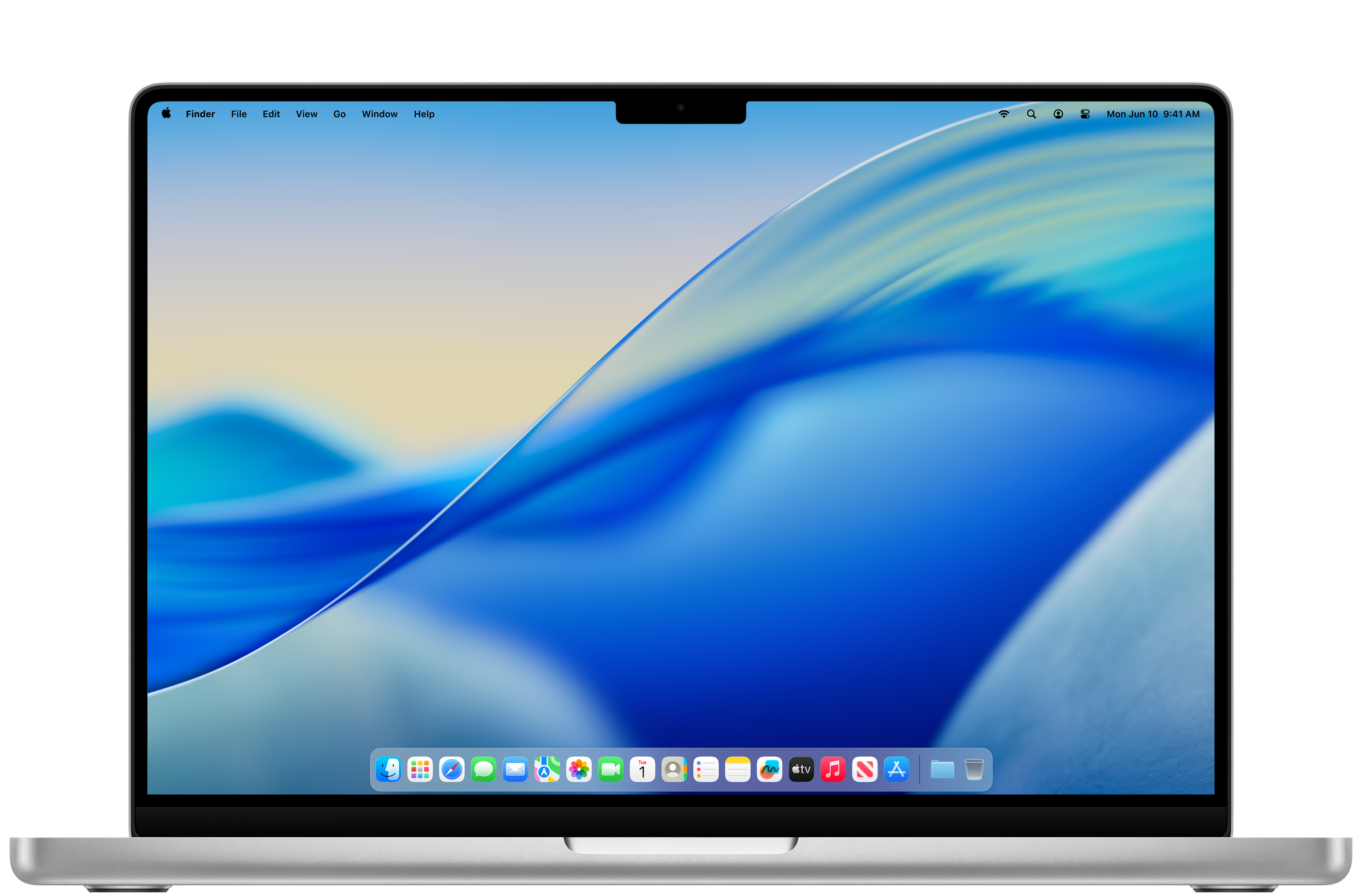
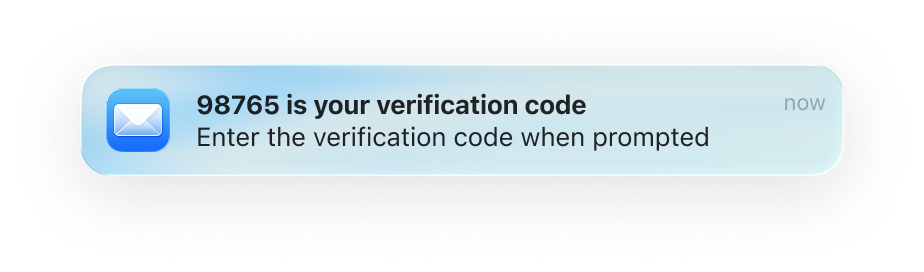
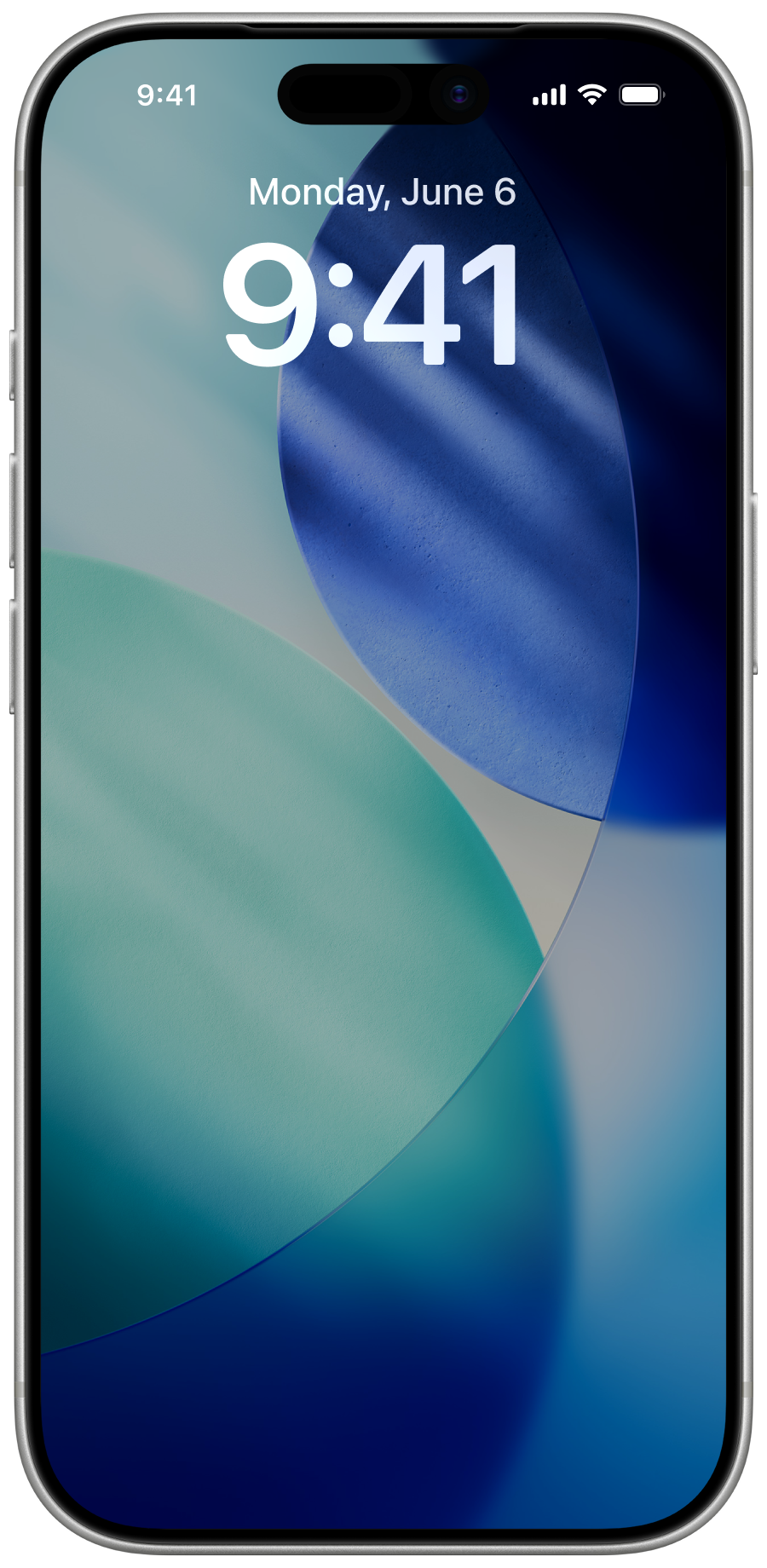
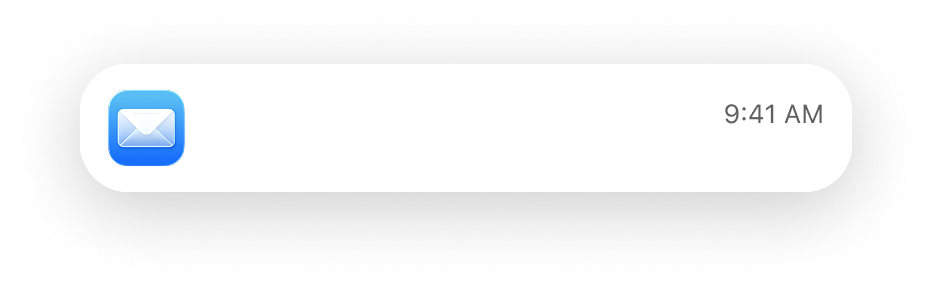
Otifier watches macOS notification banners and copies any verification code straight to your clipboard — including ones mirrored from your iPhone.
-
Data stays on your Mac
No network calls. No telemetry. No analytics. Codes are matched and copied locally — they never leave your machine.
-
Any mirrored notification
iMessage from your iPhone, email previews, app banners — anything macOS surfaces as a notification, Otifier reads.
Get started
-
01
Mirror your iPhone notifications to your Mac
Otifier reads codes from macOS notification banners, so iPhone notifications need to be forwarded to your Mac first. See Apple’s setup guide.
-
02
Install Otifier
Download the DMG, open it, and drag Otifier to your Applications folder.
-
03
Grant Accessibility permission
Launch Otifier from Applications. macOS will prompt for Accessibility access — this is how Otifier reads notification banners. Approve it once and you’re done.
-
04
Paste anywhere
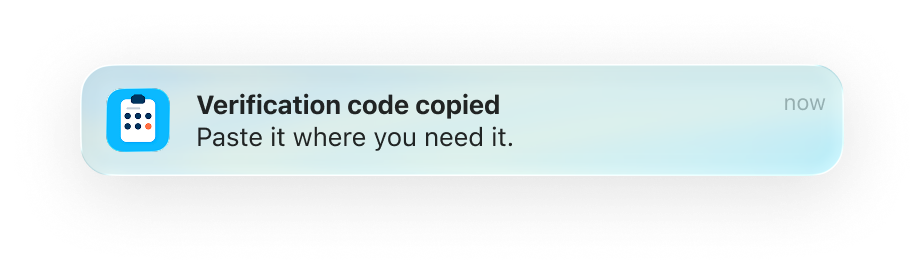
When a verification code arrives, Otifier copies it to your clipboard and shows a small confirmation. Hit ⌘V wherever you need it.